To filter, select one or more categories | All Courses
Perfect for:
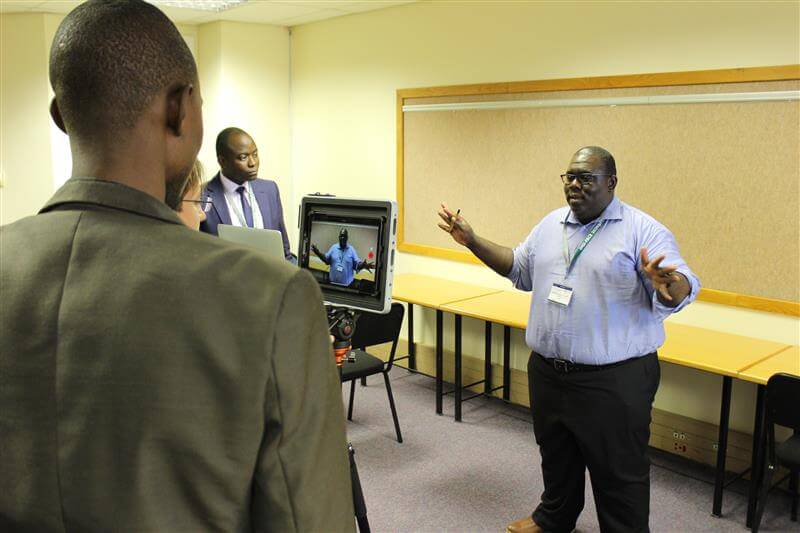
Educators, facilitators, and academic staff who want to learn how to use the PadCaster and iPad setup to produce engaging, professional-quality video content.
What You’ll Learn:
In this short, hands-on course, you’ll discover how to:
Hands-On Learning:
This is a mini-module designed for practice step-by-step guides for filming, editing, and sharing your videos; enrichment materials and tips for using tools like Canva; real-world tasks that help you build your own DIGI-FACE mini studio and reflection activities to evaluate your progress.
Course Format:
Weekly live Zoom sessions to help you connect, ask questions, and deepen your understanding.
Live Zoom sessions:
One introductory Zoom session + one Q&A wrap-up session
Target group:
Educators, facilitators, and academic staff
Learning Outcomes:
Requirements:
Access to the PadCaster equipment, iPad, Microsoft Word, and a PDF reader; reliable internet connection for Moodle and Zoom; commitment to participate fully in activities and discussions and a willingness to practice and persevere—even when editing or folding the green screen gets tricky!
Back to all courses
DIGI-FACE – Digital Initative for African Centres of Excellence represented by:
University of Applied Sciences Kehl
Kehl Institute of Applied Research (KIAF)
Projects International Cooperation and Development
Kinzigallee 1, D- 77694 Kehl
+49 7851 894143
https://www.hs-kehl.de/
Contact: digiface[at]hs-kehl.de
Developed by Viewport / WordPress Guys
You may choose to prevent this website from aggregating and analyzing the actions you take here. Doing so will protect your privacy, but will also prevent the owner from learning from your actions and creating a better experience for you and other users.